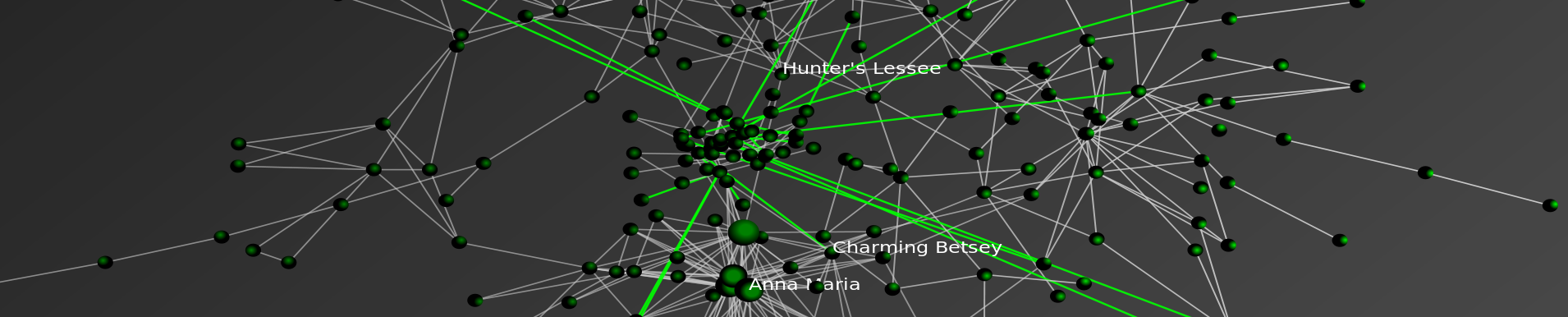
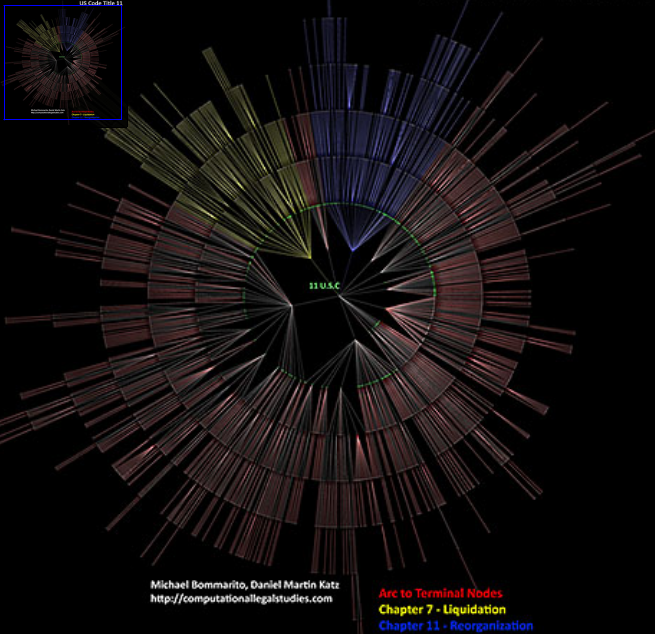
CLICK ON IT AND YOU CAN ZOOM IN and READ EVERY LABEL!
MOTIVATION:
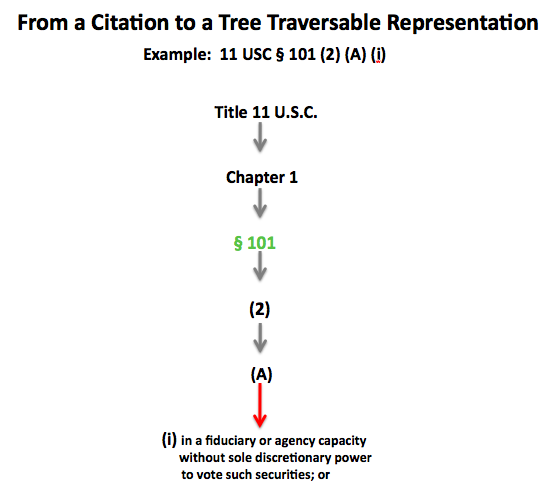
We have become interesting in visualizing the structure of the law including its components and subcomponents. In reduced form, statutes, regulations and certain other units of the law can be characterized in graph theoretical terms. While we do not make deep inroads on the content of this above graph, we do generate a tree traversable visualization for its structure.
Much of my training in law school (particularly in the so called “code-based” classes) was focused upon developing mental models for the structure and content of graphs such as the one displayed above. In my case, I believe the usage of such a visualization early in a code-based course would have been beneficial. Thus, we offer this traversable visualization to the world for not only its research value but also for pedagogical purposes.
INSTRUCTIONS:
Start in the MIDDLE at the “11 U.S.C.__ ” Label and traverse out.
BREAKDOWN OF THE VISUAL:
GREEN NODE LABELS = for SECTIONS {In the Example below, 11 U.S.C. § 101}
YELLOW ARCS — Chapter 7 of Title 11 = LIQUIDATION
BLUE ARCS — Chapter 11 of Title 11 = REORGANIZATION (aka “Filing Chapter 11“)
RED ARCS and GREY ARCS — Balance of the Chapters under Title 11
Red Arcs are for lines which lead to terminal nodes
Grey Arcs are for lines which do not immediately lead to terminal nodes
FINAL THOUGHTS:
Please feel free to PLAY AROUND and TEST IT OUT!
This is an early production version so please provide us with any feedback and/or suggestions.
The text does not seem to be visible, at least on Firefox 3.0.8 on WinXP, with Flash 10.0 r12. The terminal nodes just are little white squarish shapes.
Ditto with same software. It also did not work for me on Internet Explorer.
There are several issues which you might be the culprit. Screen resolution, machine configuration and/or software. Screen resolution is often the issue. It is a large image to render.
However, it might also be a function of specific configuration of your machine and/or software. Without sitting at your work station, it is difficult to know precisely what to say.
We have heard from lots of folks who had no difficulty. Thus, perhaps you can use an alternative machine?
Anyway… best of luck, Dan